No items found.
blogs & articles
more blogs?

Local SEO
October 2026



A new lead comes in. Your team is busy. The form notification gets buried, the call backs lips, and the potential customer moves on.
That’s how leads leak, not because you need more inquiries, but because follow-uplacks a clear process.
The right lead management software helps you capture each inquiry, assign a next step, and keep the conversation moving. GoHighLevel, also called HighLevel, brings contact records, pipelines, messaging, calendars, and automation together. Used well, it can help turn more of your existing inquiries into real conversations and booked appointments.
A spreadsheet or inbox can work when inquiries are occasional. As your business grows, it gets harder to remember who needs a reply, what was promised, and when to follow up.
Common gaps include:
• A form submission doesn’t reach the right person.
• A missed call isn’t returned promptly.
• Your team can’t tell which leads have already been contacted.
• An appointment is booked, but the customer forgets.
• A promising opportunity sits untouched in the same stage.
These are process issues. A CRM helps by giving each lead a record, an owner, and a visible next step.
For an Edmont on business, that matters whether inquiries come from your website, social media, referrals, or campaigns like Google Ads in Edmonton. More leads only help when your team can respond and track what happens next.
A pipeline is a visual view of your sales or service process. Instead of scanning messages and guessing, you can see where each opportunity stands.
A simple pipelinefor a local service business might look likethis:
1. New Lead: An inquiryhas arrived.
2. Contact Attempted: Someone has reached out.
3. Qualified: The lead’s needs and fit are understood.
4. Appointment Booked: A meeting, estimate, or consultation is scheduled.
5. Proposal Sent: The customeris considering the next step.
6. Won or Lost: The opportunity has a clear outcome.
HighLevel’s pipeline guide describes pipelines as visual tools for tracking opportunities through defined stages. It also recommends keeping stages clear and action-oriented.
That last point matters. “Contact Attempted” tells your team what has happened. A vague stage like “In Progress” doesn’t.
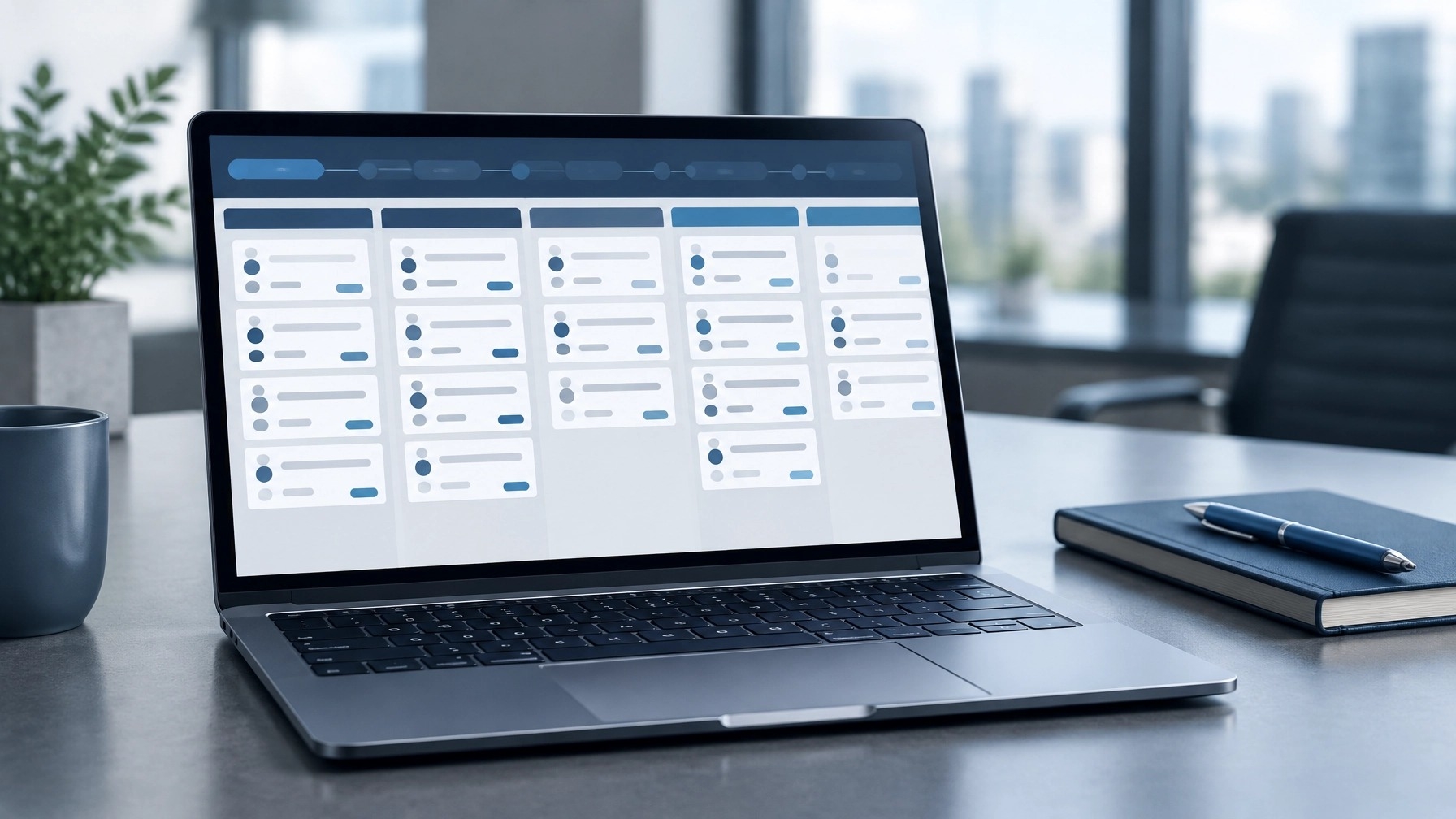
Start with the few stages your team actually uses. Define what must happen before an opportunity moves forward. For example, only move a lead to “Appointment Booked” once the time is confirmed.
A clean pipeline helps you answer practical questions:
• Which leads need attention today?
• How many inquiries have booked an appointment?
• Where do potential customers tend to stall?
• Which opportunities are still open?
The board doesn’t replace good service. It makes the next action easier to see.
Speed-to-lead means responding promptly after someone asks about your product or service. A fast response can help you connect while the customer is still considering the iroptions.
In GoHighLevel, a new inquiry can trigger a workflow that creates or updates an opportunity, placesit in the right pipeline stage, and sends an acknowledgement. Your team can also receive a notification or task to follow up personally.
For example, when someone submitsan estimate request,the system could:
• Add the contact to your CRM.
• Create an opportunity in New Lead.
• Send a brief confirmation by email or text.
• Notify the team member responsible for the inquiry.
• Include a clear next step, such as bookinga call.

Make the automated message useful, not pushy. Confirm that you received the inquiry, set a realistic expectation for a reply, and make it easy for the person to respond.
Automation supports your team; it shouldn’t pretend to be a personal conversation when it isn’t. Review messages before launch, assign a human owner, and make sure your contact practices and messaging settings follow applicable consent and opt-out requirements.
A missed call is easy to overlook during a busy day. HighLevel’s Missed Call Text Back feature can automatically acknowledge an unanswered inbound call with atext. The caller can then continue the conversation by message while your teamprepares to respond.
A simple message might say: “Sorry we missed your call. How can we help? Reply here, or book a time at [your booking link].”
Keep the wording clear and human. Check that the message reflects your hours and that a suitablete am member will monitor replies. Repeated missed calls can trigger repeated texts depending on your setup, so test the workflow and adjust it to fit your business.
A missed-call text is a useful first step, not a substitute for a real follow-up. Add the caller to your process, assign an owner, and make sure someone picks up the conversation.
A booked appointment is progress, but it isn’t the finish line. People get busy, forget the time, or need to reschedule.
GoHighLevel can use appointment events to trigger confirmations, reminders, and follow-up messages. Its Appointment Status workflow documentation explains how workflows can respond to status changes, including new, confirmed, cancelled, and no-show appointments.
A practical sequence could include:
• A confirmation immediately after booking.
• A reminder before the appointment.
• A simple way to reschedule.
• A helpful follow-up if the person doesn’t attend.

Choose reminder timing that suits your customers and appointment type. Keep each message short, include the appointment details, and make the next action obvious. If someone cancels or misses an appointment, a considerate rebooking message can keep the door open without pressuring them.
Not every lead respondsright away. That doesn’t mean your team should forget about them, or keep sending messages without a reason.
HighLevel’s Stale Opportunities trigger can identify opportunities that remain in a stage for adefined period. Depending on your setup, it can prompt a team member, notify a manager, or start a suitable follow-up.
For example, if an estimate has been sent and there’s no update after a few days, your CRM can remind the owner to check in. Your team can then decide whether to call,send a relevant message, or mark the opportunity for later.
Set the time window based on your sales cycle. A fast-moving service inquiry needs a different rhythm than a longer business-to-business decision. Treat automation as a reminder to act thought-fully, not permission to send endless nudges.
A CRM works best when it reflect show your business actually handles inquiries. Before building workflows, map the journey from first contact to customer.
Start with thesesteps:
1. List your lead sources. Include forms, calls,social channels, and referrals.
2. Define pipeline stages. Use straight forward labels with clear rules.
3. Assign ownership. Decide who respondsand who handles follow-up.
4. Write useful messages. Keep confirmations and reminders relevant.
5. Test the full journey. Submit a test inquiry, book an appointment, and check each action.
6. Review results. Look for missed hand offs, delayed replies, and stages where leads stall.
Your website and marketing are part of this system too. Local SEO in Edmonton, a well-built website, and paid campaigns can bring qualified visitors to your business. A clear CRM process helps you manage the inquiries that follow. If you’re working on local SEO in Edmontonor web design in Ed-monton, connect those lead sources to a follow-up plan from the start.
Lead management software won’t close every sale. It can help you stop relying on memory, respond consistently, and see where each opportunity stands.
GoHighLevel pipelines give your team visibility. Workflows can handle timely acknowledgements, missed-call responses, appointment reminders, and prompts for stalled leads. Together, these tols create a more reliable path from inquiry to conversation, and from conversation to booked customer.
Explore EVOLV Digital Marketing’s CRM and lead management services, or contact our Edmonton team to talk through a follow up system that fits your business.